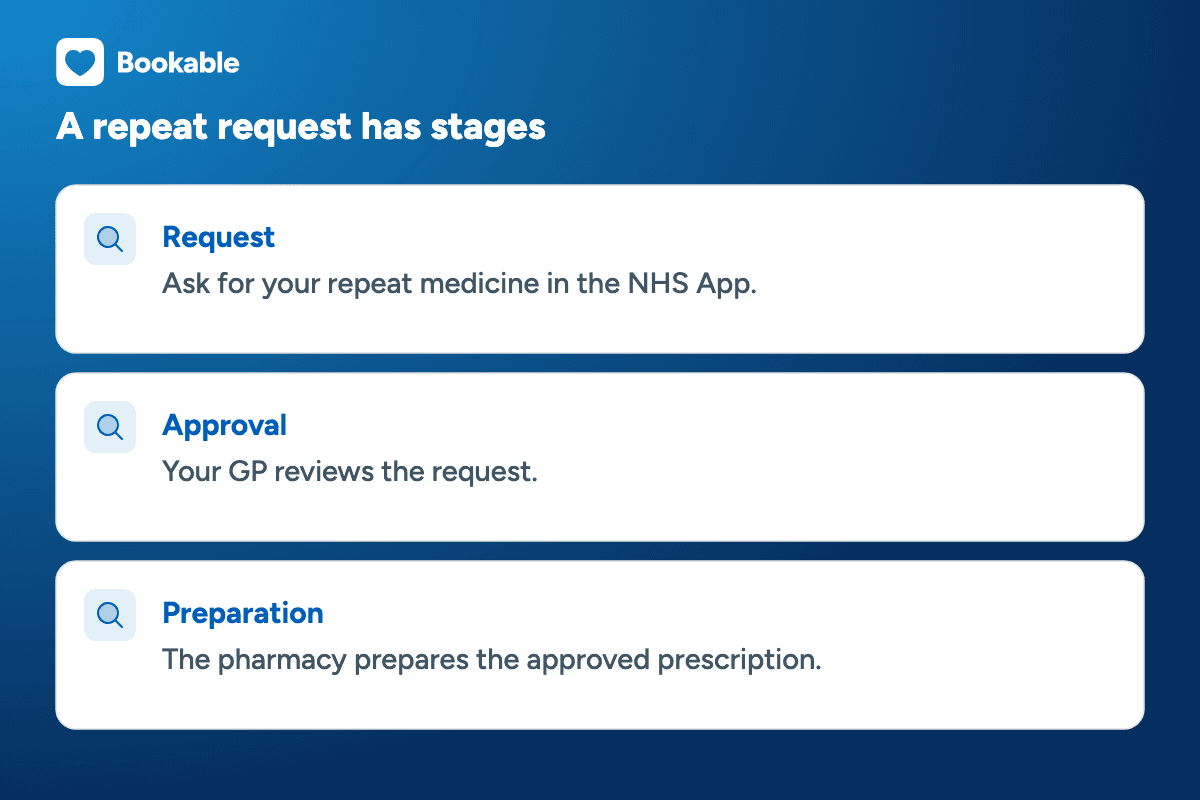
In the NHS App, select Prescriptions, then Request a repeat prescription. Once your GP approves it, your request goes to your chosen pharmacy. It usually takes 3 to 5 days for your prescription to be ready to collect.
In short:
- You need full access to the NHS App to order a repeat prescription.
- Your request is sent to your chosen pharmacy once your GP approves it.
- If you have a chosen pharmacy, it usually takes 3 to 5 days for your prescription to be ready.
- Some medicines cannot be ordered in the app, such as one-off courses and controlled medicines.
How do I order a repeat prescription on the NHS App?
Log in to the NHS App, select Prescriptions, then select Request a repeat prescription. Your GP needs to approve each request before a pharmacy can prepare it. You can read the NHS guide to requesting or viewing prescriptions in the NHS App (opens in a new tab) for more information.
To order prescriptions, you need full access to the NHS App (opens in a new tab). This means you have proved who you are. If you're having trouble getting in, read how to log in to the NHS App.
If you're not registered with a GP surgery, you cannot use the NHS App to order prescriptions. The easiest way to register is Bookable: you can find an NHS GP surgery near you and register online in about 10 minutes, with no documents needed.
You can also order prescriptions on a computer by logging in through the NHS website.
What is a chosen (nominated) pharmacy?
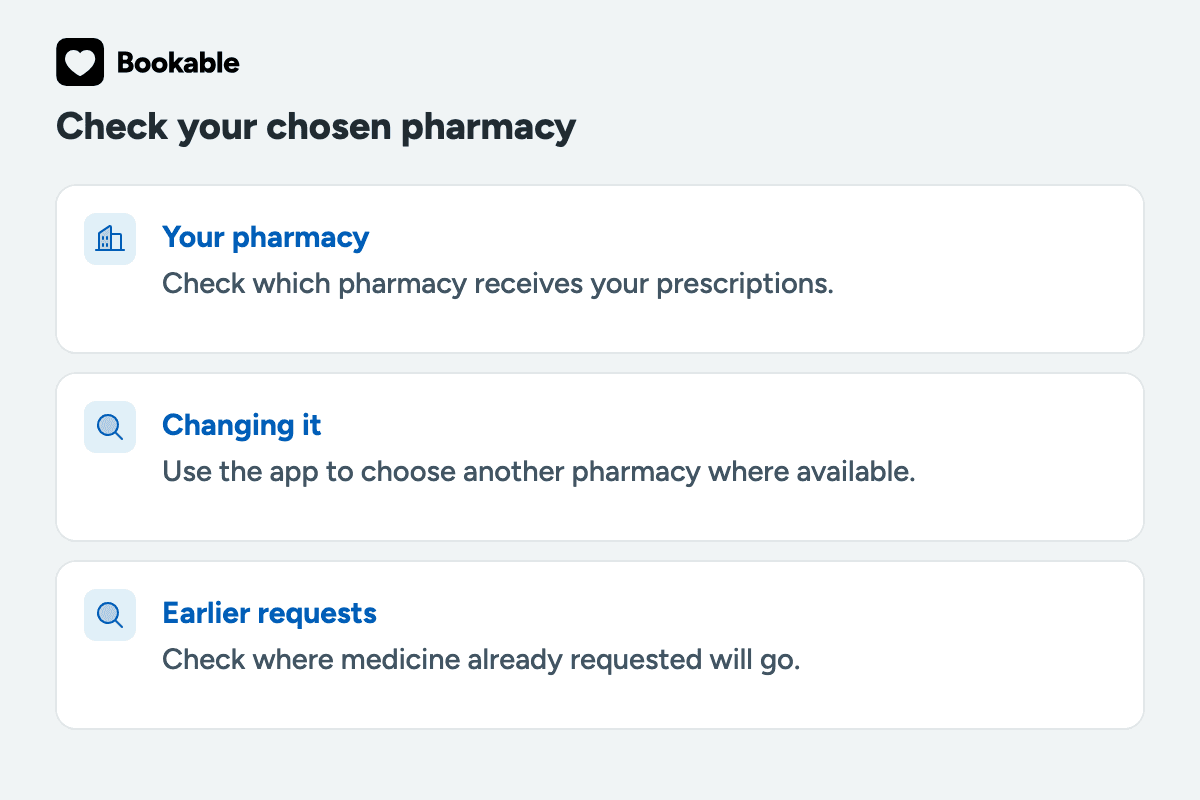
Your chosen pharmacy is the pharmacy you pick to receive your prescriptions. This is also called nominating a pharmacy. Your prescriptions are sent there electronically, so you do not need to collect a paper prescription from your GP surgery. They keep going there until you change or remove it.
You can choose:
- a local pharmacy, where you collect your medicines in person (some also deliver to your home)
- an online-only pharmacy, which sends your medicines by post (you need to register with them through their website or contact them directly)
To choose a pharmacy in the app, select Prescriptions, then Choose a pharmacy, and follow the steps.
To change it, select Prescriptions, then Your chosen pharmacy, then Change your chosen pharmacy. Any prescriptions you've already requested may still go to your old pharmacy. You cannot remove your chosen pharmacy in the app. Ask your GP surgery to do this for you.
You may not be able to see or change your chosen pharmacy if your GP surgery gives you your medicines themselves, you have more than one chosen pharmacy, or you're managing the account for someone else. You can read the NHS guide to choosing a pharmacy in the NHS App (opens in a new tab) for more information.
If you do not have a chosen pharmacy, you can take the prescription barcode in the NHS App to any pharmacy. You may have to wait while it's prepared, and the pharmacy may need to order more stock first.
How long does a repeat prescription take on the NHS App?
If you have a chosen pharmacy, it usually takes 3 to 5 days before your prescription is ready to collect. If you need your medicine urgently, contact your GP surgery. If it's out of hours, use NHS 111 online (opens in a new tab) or call 111.
You can check progress in the app. Under Requested medicines, each medicine shows as:
- waiting GP approval
- approved by GP
- rejected by GP
Once your GP approves it, the pharmacy prepares your prescription. Each prescription has up to 4 medicines, so if you ordered more than 4 you'll have more than one prescription.
Some people can also see the progress of each prescription under Your approved prescriptions. This is being added to the app gradually, so you may not have it yet. It shows labels such as "pharmacy preparing prescription", "ready to collect" and "collected".
If it says "part ready to collect", one or more of your medicines is not ready, often because the pharmacy is waiting for stock. You can wait for the rest, or collect the part that's ready if you need it urgently.
Your pharmacy might ask to check your ID, so it's a good idea to bring photo ID when you collect your medicine.
Why is my medicine not listed in the NHS App?
A medicine may not be listed if it's:
- a one-off course of medicine
- not been prescribed for a long time
- been prescribed while you were living outside England
- a controlled medicine (a strong medicine), which you cannot request in the NHS App
- on a repeat dispensing prescription
A repeat dispensing prescription is one you have for a set period of time. You do not need to request it from your GP.
If you see a medicine on the list that you do not expect, contact your GP surgery.
Why can't I order my repeat prescription right now?
You may not be able to request some medicines at the moment because:
- you recently requested it and your GP still needs to approve it
- you need a medicine review, so you need to contact your GP to arrange this
- it's too soon since you last requested it
- your GP does not allow this medicine to be requested through the NHS App, so you need to contact your GP to request it
What if my request is rejected or cancelled?
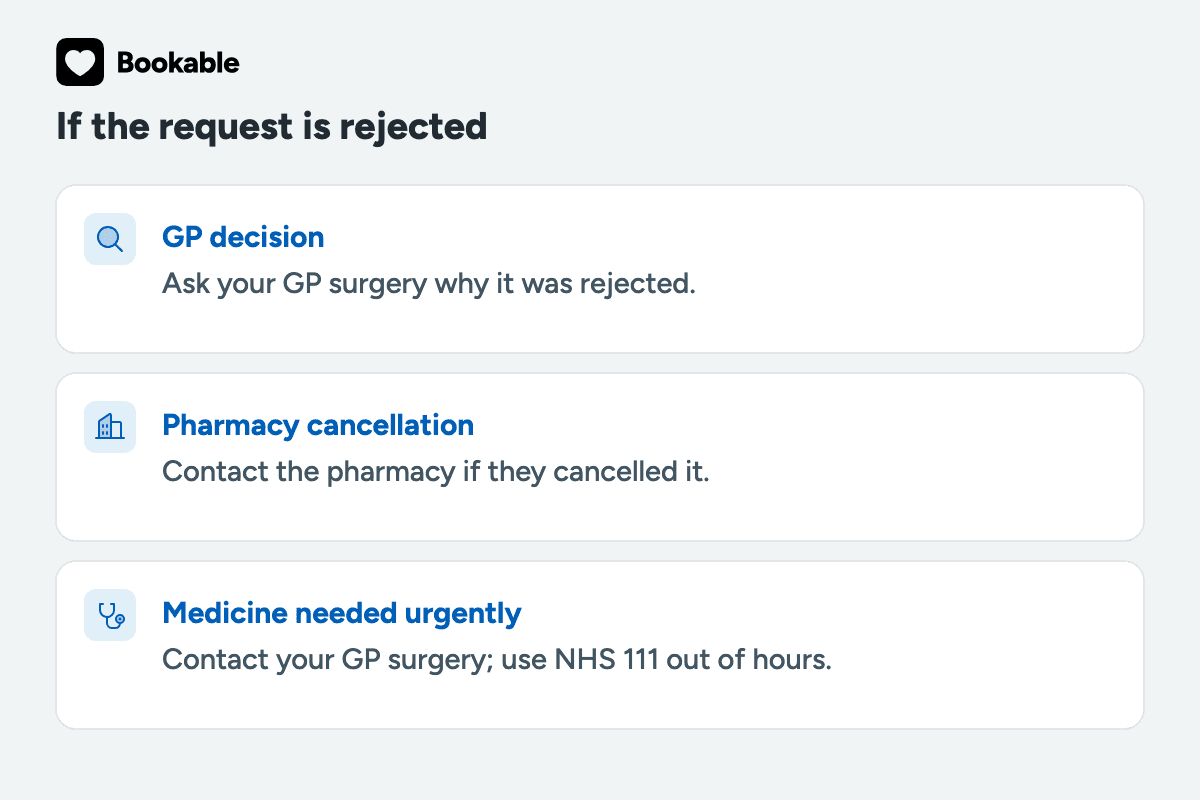
If your GP rejects a request and you want to know why, contact your GP surgery.
A prescription or medicine may show as cancelled because the treatment is no longer suitable for you, or the medicine may need to be changed. If you want to know why, contact your GP surgery. If it was cancelled by the pharmacy, contact the pharmacy.
If you feel unwell and need medical help now, use NHS 111 online or call 111. Call 999 (opens in a new tab) in a life-threatening emergency.
Common questions
Do I need a chosen pharmacy to order a repeat prescription in the NHS App?
No. If you do not have one, you can show the prescription barcode in the NHS App at any pharmacy. You may have to wait while your medicine is prepared.
How many medicines can be on one prescription?
Each prescription has up to 4 medicines. If you order more than 4, you'll have more than one prescription, and you may need to show more than one barcode.
Can I change my pharmacy after I've ordered?
Yes, you can change your chosen pharmacy in the app. But prescriptions you've already requested may still go to your old pharmacy.
Can I order a controlled medicine in the NHS App?
No. Controlled medicines are strong medicines, and you cannot request them in the NHS App.
What does "waiting GP approval" mean?
It means your GP surgery has your request but has not approved it yet. Your pharmacy cannot prepare the medicine until it's approved.
What should I do if I need my medicine urgently?
Contact your GP surgery. If it's out of hours, use NHS 111 online or call 111.
Sources
- Request or view prescriptions – NHS App help (opens in a new tab) (NHS)
- Nominating a pharmacy – NHS App help (opens in a new tab) (NHS)
- Getting full access – NHS App help (opens in a new tab) (NHS)
- Get help for your symptoms – NHS 111 (opens in a new tab) (NHS)
- When to call 999 (opens in a new tab) (NHS)