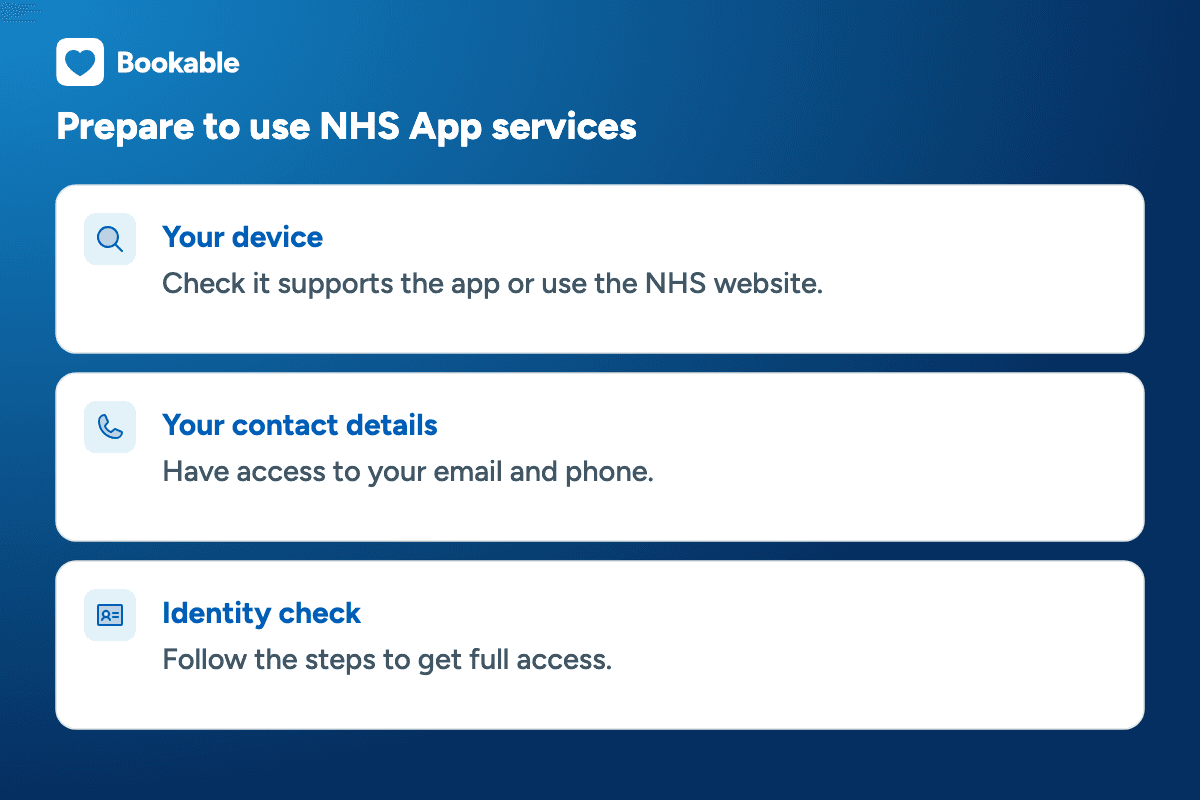
Download the NHS App from the App Store or Google Play, then create an NHS login with your email address and phone number. To order repeat prescriptions, book GP appointments and see test results, you also need to prove who you are.
In short:
- You can use the NHS App if you're 13 or over and registered with a GP surgery in England or the Isle of Man.
- Download it from the App Store or Google Play, or use it on a computer through the NHS website.
- You need an NHS login, which you set up with an email address and a phone number.
- Prove who you are with photo ID, or with details from your GP surgery, to get full access.
Who can use the NHS App?
You can use the NHS App if you're aged 13 or over and registered with an NHS GP surgery in England or the Isle of Man. You can read the NHS page about who can use the NHS App (opens in a new tab) for more information.
- If you're aged 13 to 15, contact your GP surgery first. They need to give you access to GP online services before you can use the app.
- If you're registered with Defence Medical Services, you cannot use the app.
If you're not registered with a GP yet, you need to do that first. The easiest way is Bookable: you can find NHS GP surgeries near you and register online in about 10 minutes, with no documents needed. Read more about how to register with a GP.
If your GP surgery is in Scotland, Wales or Northern Ireland, ask your surgery which online health services you can use.
How do I download the NHS App on an iPhone or Android phone?
On an iPhone or iPad:
- Open the App Store.
- Search for "NHS App" and find the app with the NHS logo.
- Tap Get. If asked, confirm with your password, face or fingerprint.
On an Android phone or tablet:
- Open the Google Play Store.
- Search for "NHS App" and find the app with the NHS logo.
- Tap Install. If asked, confirm with your password, face or fingerprint.
Your phone or tablet needs a supported operating system and enough storage space. Your app store account must also be set to a country where the app is available: the UK, Ireland, Australia or the USA. You can read the NHS guide to downloading the NHS App (opens in a new tab) for more information.
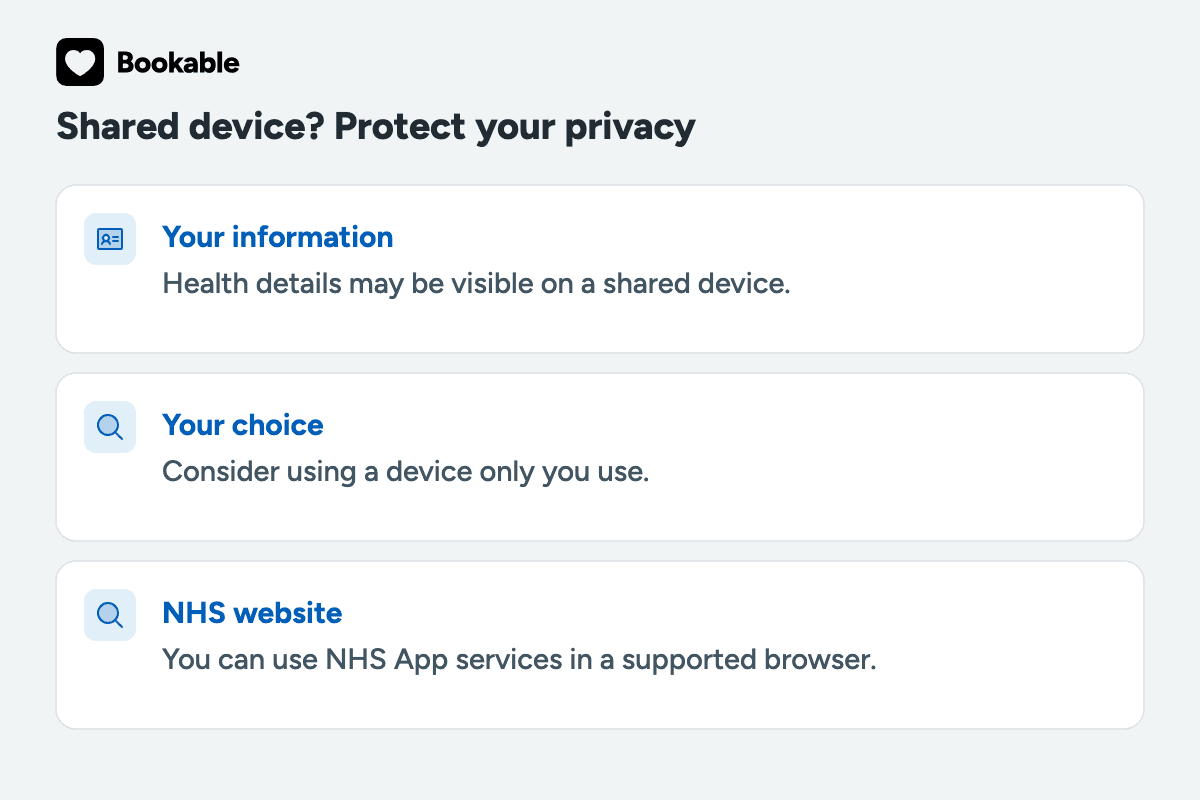
Take care if you share a device with other people. They may be able to see your health information.
Can I use the NHS App on a computer?
Yes. You can use all NHS App services on a computer by logging in through the NHS website. You do not need to download anything. You need a supported web browser with JavaScript turned on. You can read the NHS guide to using a computer to access NHS App services (opens in a new tab) for more information.
A few things are different on a computer:
- the pages may look different
- you cannot log in with your face or fingerprint, but you can use a passkey
- you cannot add appointments to your calendar
How do I create an NHS login?
You need an NHS login to use the NHS App. This is the account you use to log in. To set one up, you need:
- an email address
- a mobile phone number or landline number
Open the NHS App and follow the steps to set up your NHS login:
- Enter your email address and create a password.
- Enter the security code sent to your email.
- Enter your phone number, then enter the 6-digit code sent to it.
The last step sets up two-step verification. This means that when you log in, you enter your email address and password, then a security code sent to your phone. Once you're set up, you can also turn on face or fingerprint login, or use a passkey. The NHS login help centre has a full guide to setting up an NHS login (opens in a new tab).
If something goes wrong, read our guide on how to log in to the NHS App.
How do I prove who I am to get full access?
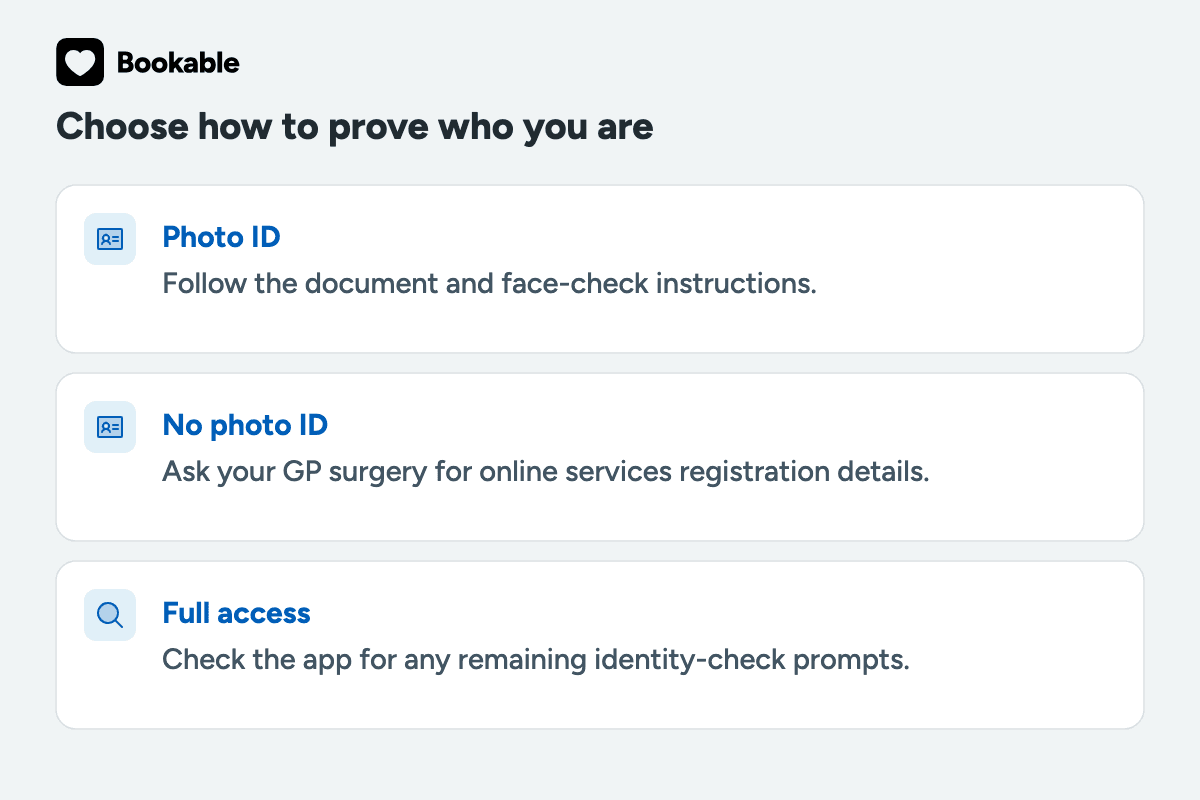
Until you prove who you are, you have limited access for safety reasons. You can only use NHS 111 online, the NHS website and find NHS services near you.
With full access to the NHS App (opens in a new tab), you can:
- request repeat prescriptions
- book or cancel GP surgery appointments
- check the dates and times of your appointments
- see your test results
There are 2 ways to prove who you are.
With photo ID. You take a photo of your ID, then record your face so it can be compared with the photo. You can use a passport, a full or provisional UK driving licence, a UK application registration card (ARC), a CitizenCard, a full European driving licence or a European national identity card. It must be the original document, not a printout or a picture on a screen. ID that expired less than 12 months ago is accepted. You'll get an email to say whether the check worked. Read more about proving who you are with photo ID (opens in a new tab).
Without photo ID. If your GP surgery is in England, you can use your registration details for your surgery's online services instead. These are a Linkage Key, an ODS Code and an Account ID. Ask your GP surgery to register you for online services, and they will give you these details. Read what to do if you do not have photo ID (opens in a new tab).
You may be asked for your NHS number if you know it, or your date of birth or postcode, so your NHS record can be found.
To check your level of access, log in. If a notice on the home screen asks you to prove who you are, you have limited access. If there's no notice, you already have full access.
How do I see or change my GP surgery in the NHS App?
To see your surgery, go to Profile, then select Your GP surgery. To move to a different surgery, select Change GP surgery, search using your postcode and choose a surgery that covers where you live. You can read the NHS App help on your GP surgery (opens in a new tab) for more information.
If you want to move to a new surgery, the easiest way is Bookable. It shows NHS GP surgeries that cover your address, and you can register online in about 10 minutes and book your first appointment at the same time. Registering with a new surgery deregisters you from your current one.
What you can do in the app depends on your GP surgery. Your surgery can switch off some services or hide sensitive information. If you change surgery, your records from your old surgery may not show. Contact your GP surgery if something you expect is missing.
Once you have full access, you can book a GP appointment online through the app.
If you need medical help now, use NHS 111 online (opens in a new tab) or call 111. Call 999 in a life-threatening emergency.
Common questions
Do I need my NHS number to set up the NHS App?
No. You can enter your NHS number if you know it. You may be asked for your date of birth or postcode instead to help find your NHS record.
Can I use the NHS App if I'm under 16?
You can use it if you're 13 or over. If you're 13 to 15, you need to contact your GP surgery first to get access to GP online services.
Can I prove who I am without a passport or driving licence?
Yes, if your GP surgery is in England. You can use the Linkage Key, ODS Code and Account ID that your surgery gives you when you register for their online services.
What can I do in the NHS App without full access?
With limited access, you can use NHS 111 online and the NHS website, and find NHS services near you. You need full access to order prescriptions, book appointments or see test results.
Why can't I see some features in the NHS App?
Your GP surgery can switch off some services or hide sensitive information. What you see also depends on the system your surgery uses.
Can I use the NHS App if my GP is in Scotland or Wales?
The NHS App is for people registered with a GP surgery in England or the Isle of Man. If your surgery is somewhere else, ask them which online health services you can use.
Sources
- Who can use the NHS App – NHS App help (opens in a new tab) (NHS)
- Downloading the NHS App – NHS App help (opens in a new tab) (NHS)
- Using a computer to access NHS App services – NHS App help (opens in a new tab) (NHS)
- Set up NHS login (opens in a new tab) (NHS login (NHS England))
- Getting full access – NHS App help (opens in a new tab) (NHS)
- Use photo ID to prove who you are (opens in a new tab) (NHS login (NHS England))
- What to do if you do not have photo ID (opens in a new tab) (NHS login (NHS England))
- Viewing or changing your GP surgery – NHS App help (opens in a new tab) (NHS)
- Get help for your symptoms – NHS 111 (opens in a new tab) (NHS)