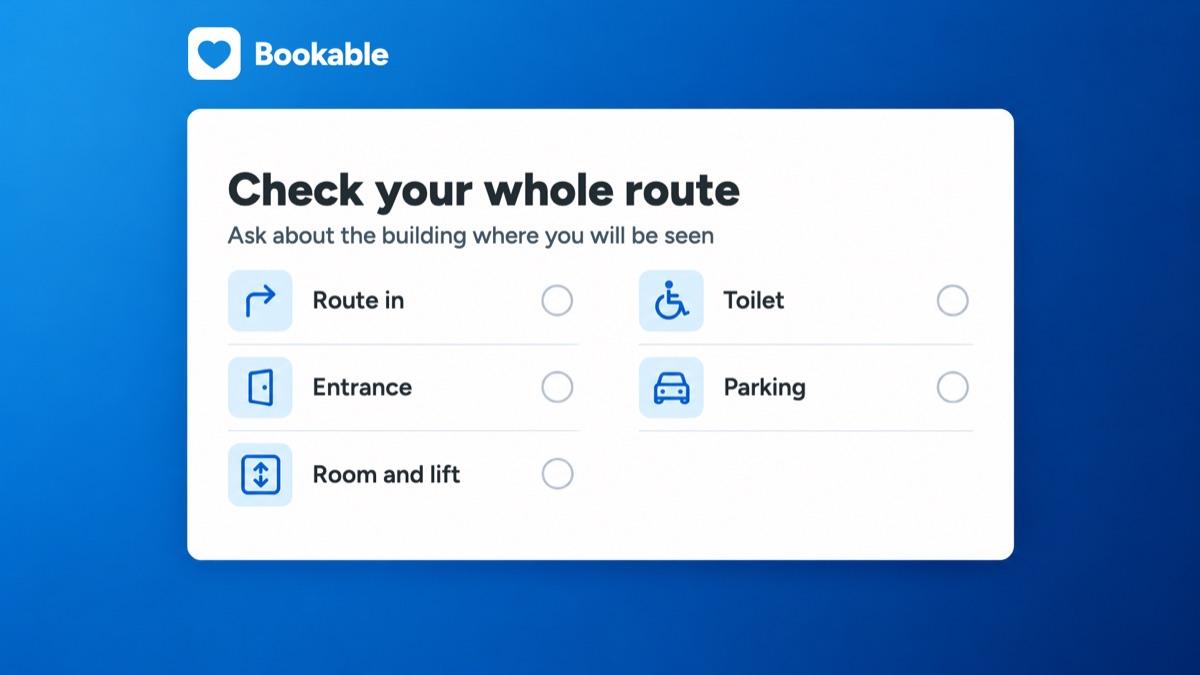
To check wheelchair access at a GP surgery, look at their NHS profile, then contact them about your needs. Check the whole route, including the entrance, consulting room and toilet. Agree any changes you need before attending, such as using a room you can reach without steps.
In short:
- check the building where your appointment will take place
- ask about the route to the room, not just the entrance
- explain any changes or support you need for your visit
- confirm the arrangements with the GP surgery before travelling
Getting through the front door is only one part of a visit.
You also need to reach the consulting room and use any facilities you need.
A wheelchair symbol or a step-free listing is a starting point. The useful answer is whether the GP surgery can meet your needs at the place where you'll be seen.
These checks apply to GP surgeries in England. Use them when choosing a new GP surgery or checking your current one.
Start with the right GP surgery and building
Use NHS Find a GP (opens in a new tab) or our postcode search on Bookable to make a shortlist.
Check whether each GP surgery accepts new patients and covers your address.
Then check the address. If a GP surgery uses several buildings, ask which one you would attend. An accessible main building does not answer a question about another site.
Our guide to finding a GP near you that's accepting new patients explains the other checks before choosing.
Check what the NHS facilities list covers
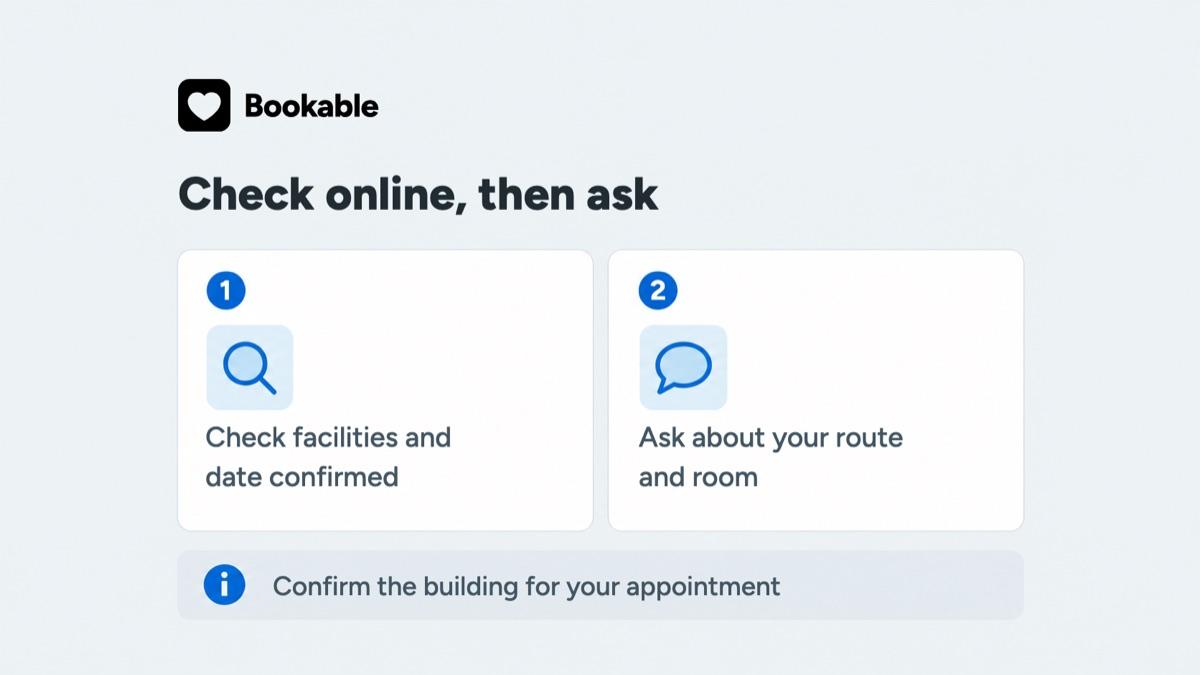
Open the GP surgery's NHS profile and select Facilities. Look for wheelchair access, step-free access, accessible toilets, disabled parking and a lift.
Some profiles distinguish access "at entrances and exits" from access "throughout". The first describes getting in and out. It does not confirm the route to every room.
Other profiles use shorter labels, such as "wheelchair access".
Check the "Last confirmed" date too. An old date, a missing item or "No information available" is a reason to ask. It is not proof that a facility is unavailable.
The GP surgery's own website may give more detail. Use both sources to prepare your questions, rather than treating a listing as confirmation for your visit.
Check the route you will use
Ask about the parts of the visit that matter to you. Give your wheelchair's width or other measurements if they would help staff check.
| Part of your visit | What to ask |
|---|---|
| Part of your visitArrival | What to askIs there a step-free route from the street, drop-off point or parking bay? |
| Part of your visitEntrance | What to askWhich door do I use? Is it wide enough, and can someone help open it? |
| Part of your visitInside | What to askCan I reach reception and the waiting area, with space to turn? |
| Part of your visitConsulting room | What to askCan I reach the room without steps? Will my chair fit in any lift needed? |
| Part of your visitToilet | What to askCan I get inside and use the toilet with the space or support I need? |
| Part of your visitParking | What to askIs there a disabled bay with enough room to get out of the car? |
A toilet labelled accessible may not answer your particular question about space beside it. Explain what you need, such as room for a supporter to help.
If you use a walking aid, ask about seating and the distance from the entrance to the room. You can find more ideas in Healthwatch's accessibility checklist (opens in a new tab).
Ask for the changes you need
GP surgeries must make reasonable adjustments to help disabled people use their services. These are changes that remove or reduce barriers. They cannot charge you for meeting this duty.
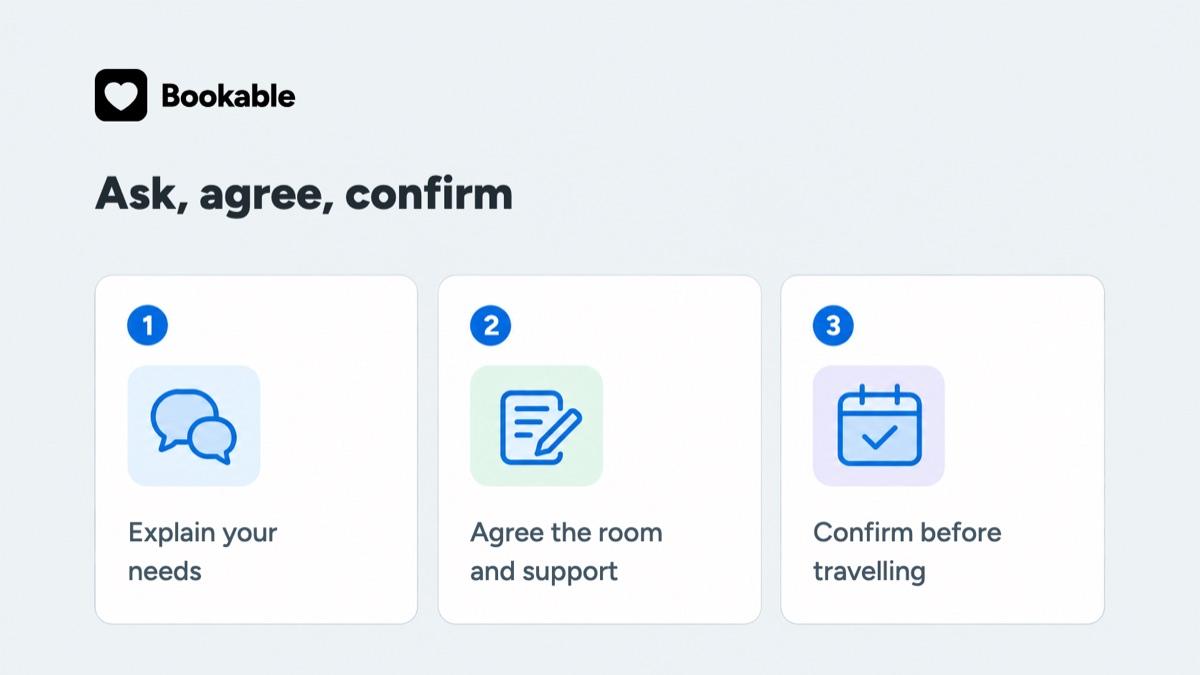
Explain the barrier and ask what they can arrange. For example, if you cannot use stairs, ask whether you can be seen in a ground floor room. A particular room or change is not guaranteed.
You can adapt this message:
I'm thinking of registering with you and need a step-free route to appointments. Can you confirm the route to the consulting room? If the usual room is upstairs, can you offer a room I can reach?
Please let me know which entrance to use and who to contact on arrival.
Use the contact details on the GP surgery's website. If a disability makes phone calls difficult, ask for a contact method you can use. This might be email or text, where offered.
Tell them if you need support during an examination or help moving from your wheelchair. Ask what can be arranged before attending. Do not assume that a wheelchair-accessible building has the equipment or support you need.
Physical access and communication support are separate needs. If relevant, also ask for information in a format you can use or communication help. Find out about accessible information and communication support (opens in a new tab), including large print and British Sign Language support.
Confirm arrangements for the appointment
Ask the GP surgery to record the changes you've agreed. Check these when booking, especially if you need a particular room.
Before travelling, confirm:
- the address, entrance and room you will use
- how to let staff know you've arrived if reception is hard to reach
- any support or equipment you've discussed
- what they can arrange if a lift or agreed room cannot be used
Check again if the appointment moves to another building, including for a nurse appointment or blood test. You can ask for written confirmation where the GP surgery offers it.
If the answer is still unclear
If you're told the building is accessible but need more detail, ask someone to check the specific route or measurement. Explain which question is still unanswered.
If the planned visit will not work for you, ask the GP surgery manager what other arrangements they can offer. This matters if you already have an appointment: contact them before travelling rather than arriving without an agreed plan.
If you cannot resolve an access problem, your local Healthwatch (opens in a new tab) can help you find advice and raise your concerns. You can ask your current GP surgery for changes without deciding to leave them.
Before you register elsewhere
Registering with a new GP surgery moves your GP care there. It also removes you from your old surgery's list.
Asking about access or searching for GP surgeries does not change your registration.
With GP surgeries that work with Bookable, you can register or book online. Check access directly with the GP surgery before choosing. Booking an appointment at a different GP surgery through Bookable requires registering there and moving your care.
Our guide to registering with a GP explains the steps, including ways to register without doing it online.
Common questions
Do I have to register before asking about access?
No. Contact the GP surgery to ask about the building and any support before choosing. Asking does not register you.
Is step-free access the same as wheelchair access?
Step-free describes a route without steps. You still need to check doorways, turning space and any lift for your wheelchair. Check whether the listing covers the entrance or the route throughout the building.
Can I ask to be seen in a ground floor room?
You can ask. The GP surgery may be able to arrange this or suggest another way to meet your needs. Agree the arrangements before attending.
What if an NHS profile has no access information?
Contact the GP surgery and ask about the route and facilities you need. A gap in the profile does not tell you whether the building will work for you.
Sources
- Find a GP (opens in a new tab) (NHS)
- Facilities at Amersham Vale Training Practice (opens in a new tab) (NHS profile examples)
- Facilities at Lee Road Surgery (opens in a new tab) (NHS profile examples)
- Facilities at Burnt Ash Surgery (opens in a new tab) (NHS profile examples)
- Accessibility checklist for GP surgeries (opens in a new tab) (Healthwatch)
- Reasonable adjustments (opens in a new tab) (NHS England)
- Equality Act 2010, section 20 (opens in a new tab) (duty to make adjustments)
- Equality Act 2010, section 29 (opens in a new tab) (services)
- Accessible information standard (opens in a new tab) (NHS England)
- Accessible information and communication support (opens in a new tab) (NHS England)
- Find your local Healthwatch (opens in a new tab) (Healthwatch)
- Register with a GP surgery (opens in a new tab) (NHS)
- Finding your GP (opens in a new tab) (Bookable)
- Booking appointments (opens in a new tab) (Bookable)
- Terms of Use (opens in a new tab) (Bookable)